Light
Deleted, formatted, recorder dead
The disk is healthy. The footage is located and reassembled from its contents.
Footage deleted, the disk formatted, or the DVR dead just when the recording is needed. Switch the recorder off now, because CCTV keeps recording over old footage.
Since 2003 · Denpasar and Karawang
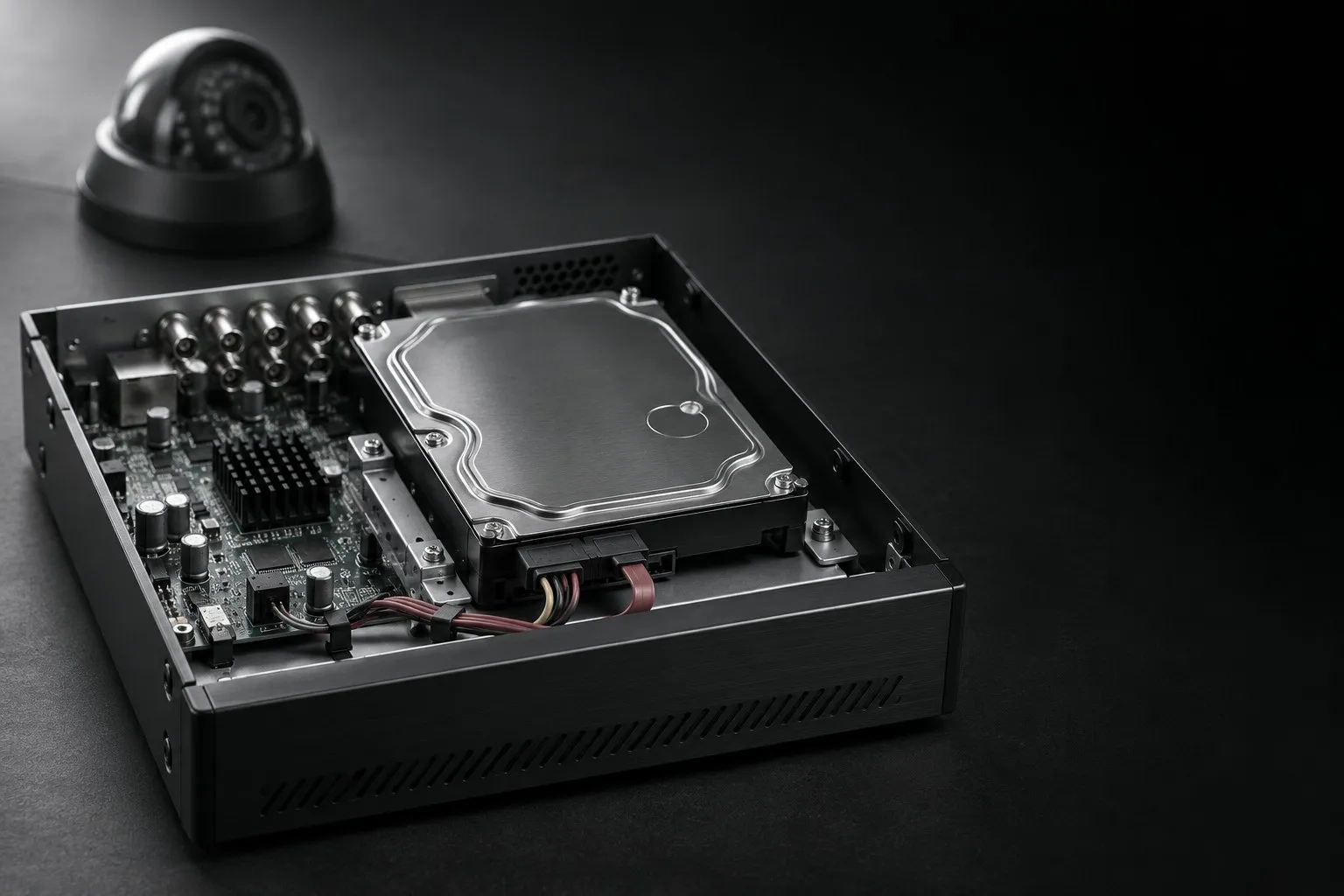
01 — Symptoms
Whether your data comes back depends on the damage and differs from case to case. We tell you honestly after inspection.
DVR or NVR dead, disk still healthy
The footage lives on the disk, not in the recorder. The disk can be read separately using specialist methods.
Footage deleted or disk formatted
It may still come back, provided the recorder did not keep recording after the event.
Shows "HDD error" or no disk detected
A sign the disk is starting to fail. The longer it runs, the more footage is lost.
Disk clicking, burnt or wet
Physical damage. The chances can only be judged after inspection in the lab.
Not handled yet
Footage that has been recorded over
We do not currently handle this. CCTV records in a loop, so the oldest footage is replaced by new footage. What we handle is footage that was deleted, formatted, or unreadable because the recorder or disk failed.
02 — First steps
Unplug the recorder, note the date, time and camera number you need, then contact us.
Leaving the recorder switched on and recording.
Choosing format or initialise disk in the DVR menu.
Connecting the disk to a computer and accepting the prompt to format it.
Moving the disk to another DVR. The new recorder may format it straight away.
03 — Damage and cost
Light
Deleted, formatted, recorder dead
The disk is healthy. The footage is located and reassembled from its contents.
Moderate
Bad sectors or a firmware fault on the disk
Specialist equipment is needed to copy the contents. Some footage may have gaps.
Severe
Physical damage inside the disk
Internal parts must be replaced before the footage can be read.
The exact cost is given after inspection. You decide whether to go ahead.
04 — Process
Consultation on WhatsApp
Inspection and cost estimate
The disk is copied first, then footage is searched by date and camera
You check the result, then we hand it over
05 — Cases
Case 021
06 — Questions
We do not currently handle footage that has been recorded over. CCTV records in a loop, so the oldest footage is replaced first. If you are not sure it has been overwritten yet, switch the recorder off and ask us first.
Ideally the recorder with the disk still inside, not taken apart. If that is not possible, the disk alone is fine, as long as you tell us the brand and model of the recorder.
Yes, and it actually helps. Tell us the date, the rough time and the camera so the search can be focused. You receive video files that play on an ordinary computer.
We can inspect it. Take the card out of the camera so it is not recorded over. It is handled like any other memory card, though some cameras store footage in their own format.
Consultation
Pick the device, the symptom and your region. The message writes itself and is sent from your own WhatsApp. Nothing is stored on this website.